Sim racing cockpit: how to set it up properly, and where to put the shifter and handbrake
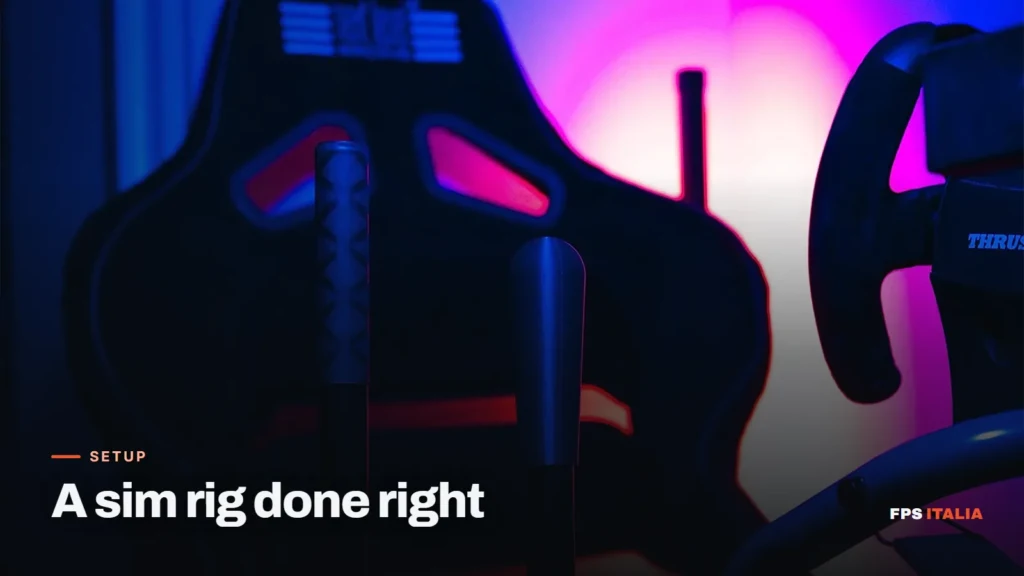
A sim racing rig has one job: to keep wheel, pedals and controls still while you use them. It doesn’t sound like much. But a wheel that moves on the table, a chair that rolls back under braking or a handbrake that wobbles when you pull it eats exactly the feel you paid for. Below you’ll find how to choose the type of rig, how to adjust it and where to fit the shifter and handbrake, which is what we get asked about most.
Four ways to mount a wheel
Desk and clamps
It’s where almost everyone starts. Entry-level wheels come with clamps and fix to the desk in a minute. It works as long as the table is sturdy and the chair stays put: chairs on wheels roll backwards under braking. If you start here, put the chair against a wall or on a rug that holds it.
Folding wheel stand
A frame that holds wheel, pedals and sometimes the shifter, and folds away when you’re done. It’s fine if space is tight and the rig can’t stay set up. The limit is stiffness. With a gear-driven wheel like the G29 it holds up; with strong force feedback, some models wobble.
Tube cockpit with seat
A steel tube frame with the seat built in, the type made famous by brands such as Playseat and Next Level. Everything sits at the right distance and nothing moves relative to the rest. Many have a dedicated shifter mount on the right-hand side.
Aluminium profile
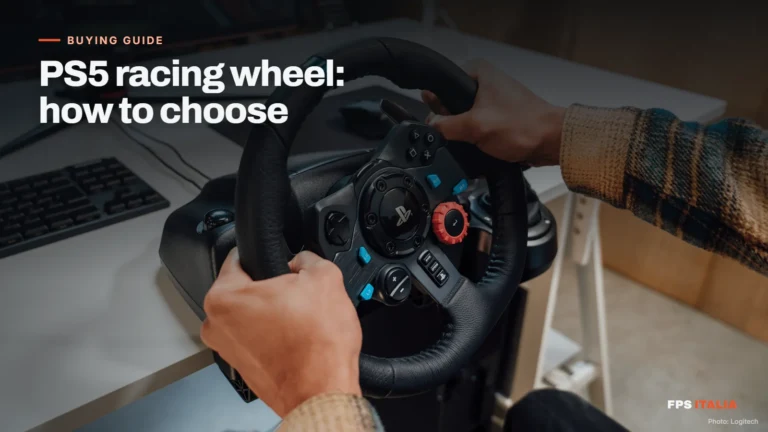
Rigs built from slotted aluminium profile (the most common sizes are 40×40 and 40×80 mm) adjust in every direction, because each part fixes wherever you want with nuts that slide in the slots. They’re the stiffest, which is why they’re the normal choice for direct drive wheels. If you still have to choose the wheel, we’ve explained the difference between gear, belt and direct drive in our PS5 racing wheel guide, and it applies to PC too.
How to adjust it: start from the seat, not the wheel
Order matters. First you set the seat, then you bring everything else to you.
- Pedals. With the brake pressed all the way, your knee should stay slightly bent. With a straight leg you have no control, too bent and you get tired.
- Wheel. With your shoulders against the backrest and your arms straight, your wrists should reach over the rim. That way, when you hold it, your elbows stay bent and steering doesn’t pull you off the seat.
- Wheel height. You should see the road over the rim without lifting your chin, and turn it half a turn without hitting your legs.
- Screen. As close as possible, with the bottom edge of the image just above the rim. Then set the field of view in the game: our FOV calculator gives you the right value for your screen size and distance.
Where to put the shifter and handbrake
To the right of the wheel, as in a left-hand drive car. In rally cars the sequential lever and the handbrake sit close together, high up, a few centimetres from the rim: the right hand moves from one to the other without looking. In a sim it pays to copy that layout.

- Distance: your hand should reach the levers with your shoulder against the seat. If you have to lean off the backrest to pull the handbrake, they’re too far away.
- Height: as a starting point, the tops of the levers just below the centre of the wheel. Then adjust by feel: the handbrake is pulled with the arm, not the wrist.
- Angle: the levers are pulled towards you, in the direction you’re facing. Tilting the base towards the seat helps if it’s mounted low.
- Left-handed? The game doesn’t care which side they’re on. Put them where it suits you.
With two separate controls you have to find two positions that work together. Our handbrake and sequential shifter combo already has them at the right distance, in the same base: you adjust it once for both.
How to mount the combo, rig by rig
Under the combo’s base there are four M6 threaded holes, and the box includes the four M6x20 bolts to use them. From there you have four options:
- Rig with a shifter mount: if the mount already has the right holes, the combo bolts on directly with the included bolts.
- Tube cockpit (such as Playseat Evolution with shifter mount, Next Level and similar): the rig mounting plate acts as an adapter. The central holes go on the mount you already have, the outer ones are for the combo.
- Aluminium profile: the profile mounting plate fixes to the profile with the T-nuts you use for the rest of the rig. They aren’t included, because they depend on your profile (2020 or 4040, M5 or M6 change everything).
- Desk: the desk clamp kit tightens onto the tabletop, without drilling anything.

With the plates the order is always the same: first the plate on the rig, then the combo on the plate. That way you tighten everything without having to balance anything.
The test worth doing
Once it’s all mounted, before you start the game: pull the handbrake hard, as you would in a hairpin. Then turn the wheel sharply from one side to the other. If you see the base, the mount or the tabletop move, tighten or reinforce it now. In a race you’d notice anyway, just at the worst possible moment.
One last detail: cables. Run them along the frame with a few cable ties, leaving some slack where the rig adjusts. A taut cable that pulls out halfway through a stage is the silliest way to lose a time.
Frequently asked questions
Do you really need a cockpit for sim racing?
No. With a gear or belt-driven wheel a sturdy desk is fine, as long as the chair doesn't roll back under braking. A cockpit becomes necessary with direct drive wheels or when you want a stable driving position.
Which side does the handbrake go on?
To the right of the wheel, as in left-hand drive cars and rally cars, next to the shifter. The game doesn't care, though: if you're left-handed, put it where it suits you.
How high should the handbrake be mounted?
As a starting point, with the top of the lever just below the centre of the wheel and close enough to pull without lifting your shoulder off the backrest. Then adjust by feel.
How do you mount the combo on an aluminium profile rig?
With the profile mounting plate: the plate fixes to the profile with the rig's T-nuts, and the combo bolts onto the plate with the four included M6x20 bolts.
Can you use the combo on a desk?
Yes, with the desk clamp kit: a clamp that tightens onto the tabletop without drilling anything.